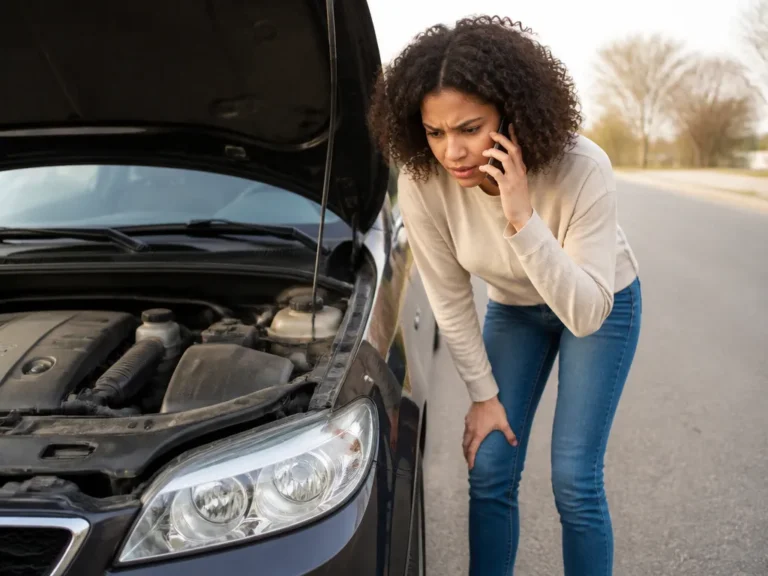
Car With Lock Symbol Chevy Malibu

A lock symbol on your Chevy Malibu usually means the security system or immobilizer is active. The car may not recognize the key, may have detected an unusual entry event, or may be showing a temporary locked status related to keyless entry or Remote Start. If the engine starts and runs normally, the icon may be informational. If the engine will not start or a “theft” message appears, the immobilizer may be blocking ignition.
Start with the correct key, turn the ignition fully off, remove the key if applicable, wait 2-3 minutes, and try starting once. If the symbol remains, check the battery and have the car scanned for body control module and immobilizer codes.
Key Takeaways
- Most common meaning: The lock icon indicates that the Malibu security or immobilizer system is active.
- Battery voltage can trigger it: Low voltage can cause key-recognition failures and security warnings.
- Do not keep cranking: Repeated start attempts can drain a weak battery and may prolong a security lockout.
What the Lock Symbol Means on a Chevy Malibu
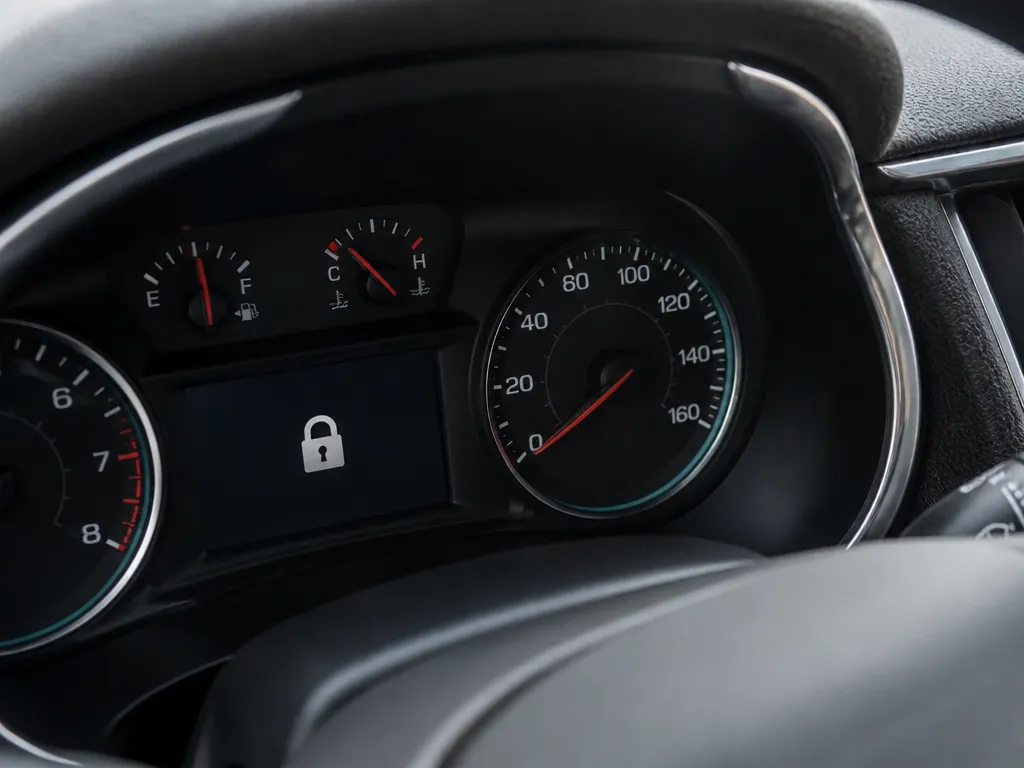
The lock symbol generally means the Malibu’s security system is protecting the vehicle. Its immobilizer and theft-deterrent systems can prevent the engine from starting when the car does not recognize a valid key signal or detects an unusual entry attempt.
The car’s behavior helps narrow down the cause. If the icon appears but the Malibu starts and runs normally, it may be a status indicator related to locking, keyless entry, or a temporary security state. If the engine cranks without starting, or you see a “theft” or “service” message, the immobilizer or anti-theft system may be interfering with startup.
Why the Lock Icon Lights Up
The lock icon appears when the Malibu’s body or security modules identify a locked or protected state. Key authentication is the main factor: the vehicle must confirm that it is receiving a valid signal from the key or key fob. Door and entry events can also trigger the theft-deterrent system.
Common causes include:
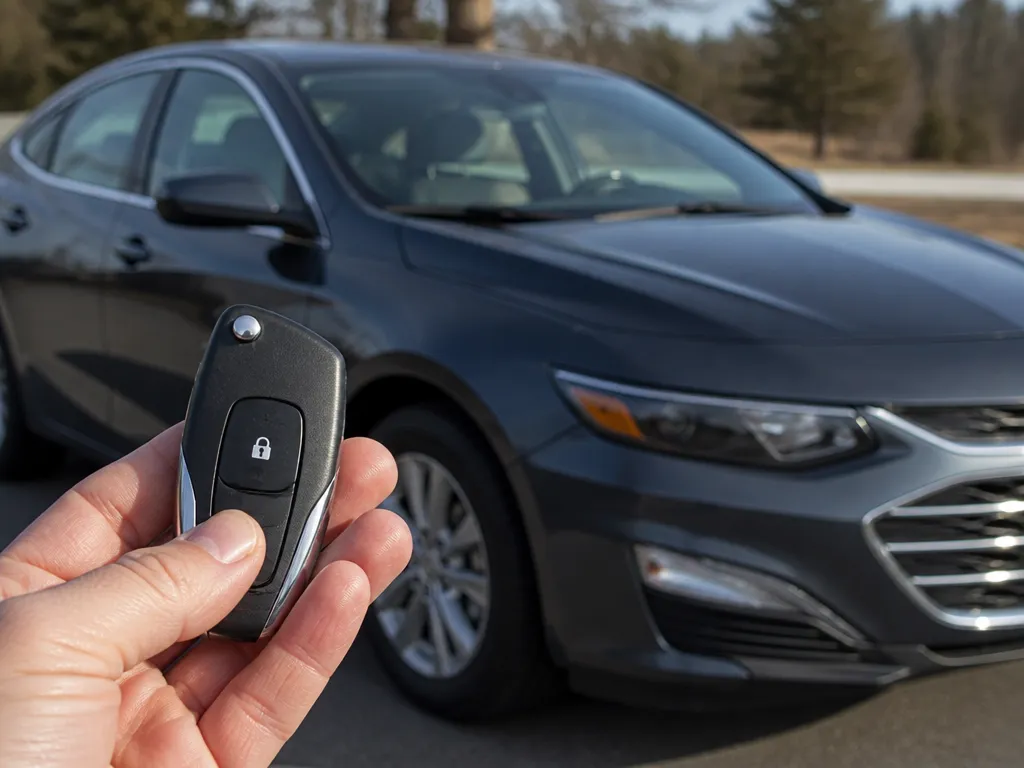
- Key or key fob not recognized: A weak fob battery, damaged transponder, or signal interference can prevent authentication.
- Low battery voltage: Under-voltage can disrupt module communication and cause key-recognition problems.
- Theft-deterrent activation: If the doors were locked and then opened in a way the system considers unauthorized, the icon may remain until the system clears.
- A lingering module state: A battery disconnect, jump-start, or other electrical event can leave the security system displaying a warning.
If the Malibu recently received a jump-start, had its battery replaced, or lost electrical power, check the battery and charging system before assuming the key itself has failed.
How to Get a Chevy Malibu Out of Locked Mode
First determine whether the icon is only a warning or whether the immobilizer is preventing the engine from starting. Avoid repeated ignition cycles and long cranking periods, especially if the battery already seems weak.
- Use the correct key. Try the key you normally use to start the Malibu rather than a spare with a weak battery or damaged housing.
- Lock and unlock the car once. If the key fob works, perform one clean lock-unlock cycle. Avoid repeated button presses.
- Power down the vehicle. Put the car in Park, turn the ignition fully off, remove the key if equipped, and wait 2-3 minutes.
- Try starting once. If the engine does not start, stop instead of cranking continuously.
- Check the key fob battery. Replace it if the fob has reduced range, delayed responses, or other signs of weak power.
If the theft message remains with the correct key and a healthy vehicle battery, the Malibu may have stored a fault in the immobilizer, key-authentication system, body control module, or related wiring. At that point, a diagnostic scan is more useful than repeated resets.
How to Reset the Lock Icon on a Chevy Malibu
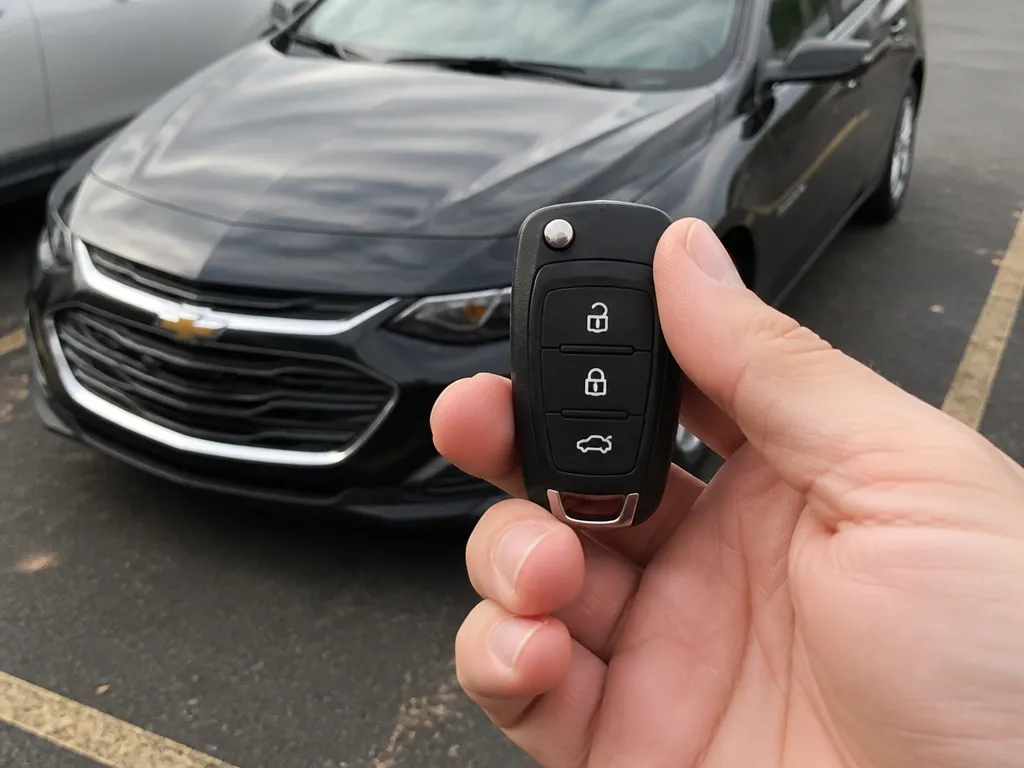
A basic reset gives the security modules time to shut down and reinitialize. It does not repair a failed key, weak battery, damaged wiring, or stored immobilizer fault.
Use this sequence:
- Turn the ignition completely off. Do not leave it in accessory mode.
- Wait 2-3 minutes. This allows the modules to power down and clear a temporary state.
- Reduce electrical load. If the battery may be weak, leave the headlights, interior fan, and other accessories off.
- Restart once. Try starting the car normally.
If the lock icon returns immediately, do not repeat the cycle over and over. Focus on key recognition and battery voltage, particularly after a jump-start, during cold weather, or with an older battery.
Can a Low Battery Cause the Lock Symbol on a Malibu?
Yes. Low battery voltage can trigger the lock symbol because the key-recognition and security modules need stable power to communicate. When voltage drops, the Malibu may fail to read the key reliably or complete the required module handshakes, causing a security or immobilizer warning.
Battery-related problems become more likely when the icon appears after the car has been sitting, follows repeated short trips, or starts during cold weather. Check for these signs:
- The engine cranks slowly: Treat this as a battery or starting-system symptom first.
- Dashboard lights dim or flicker: Unstable voltage can affect several vehicle modules at once.
- The car recently needed a jump-start: A jump-start may get the engine running without proving that the battery can hold a charge or maintain voltage under load.
Have the battery checked with a load test at an auto parts store or by a mechanic. Replacing a weak battery may clear the security warning, but a persistent icon still requires a scan.
When to Get a Mechanic Involved
Arrange service when the lock icon stays on, the Malibu will not start, or the basic key and power-cycle checks make no difference. A diagnostic scan can identify whether the problem involves key authentication, immobilizer communication, body control module faults, or a theft-deterrent trigger.
Book service sooner if:
- The engine will not start after a power cycle and an attempt with the correct key.
- The lock icon returns immediately after the reset.
- The car displays “theft” messages or other escalating anti-theft warnings.
- Multiple keys show the same problem, which points more toward the immobilizer, key reader, or vehicle wiring than one defective key.
- The Malibu has needed repeated jump-starts or a battery replacement did not resolve the warning.
A scan is the quickest way to identify the fault and avoid replacing parts without knowing whether the key, battery, body control module, or immobilizer circuit is responsible.
FAQ
What does the lock symbol on my Chevy Malibu mean?
The lock symbol typically means the security system or immobilizer is active. If the Malibu starts and runs normally, it may be a status indicator related to locking or security arming. If the engine will not start or a theft-related message appears, the immobilizer may be blocking startup because the key was not authenticated or the alarm system entered a protected state.
Why does my Chevy Malibu show the lock symbol even though I have the key?
Having the key nearby does not guarantee that the car has authenticated it. A weak key fob battery, damaged transponder, signal interference, or low vehicle-battery voltage can prevent reliable recognition. Check the key fob battery and vehicle battery if the problem continues.
Can I drive with the lock icon on?
You can usually drive if the Malibu starts and runs normally and the lock icon is only a status or warning display. Do not ignore it if theft messages appear or the vehicle has trouble starting. An intermittent key-recognition problem can leave you stranded when the immobilizer fails to verify the key.
How do I reset the lock icon without a mechanic?
The basic power-down and restart sequence above may clear a temporary security state. If the icon returns immediately, the car likely needs a battery check or diagnostic scan.
Does a dead battery cause the lock symbol on a Malibu?
Yes. Low voltage can disrupt key recognition and security-module communication, producing a lock or theft-related warning. If the engine cranks slowly, the lights dim, or the problem appears after the car sits or during cold weather, have the battery load-tested instead of focusing only on the dashboard icon.

- 10 Best Jack For Ford Raptor Review (October 2026) - October 12, 2026
- 10 Best Jack For Ford Ranger Review (October 2026) - October 12, 2026
- 10 Best Jack For F350 Review (October 2026) - October 12, 2026