Car Radio Cuts Out Every Few Seconds: Common Causes & Fixes

A car radio that cuts out every few seconds is usually losing stable power, ground, or an audio signal. The most common causes are a loose power or ignition feed, a failing ground point, or a connector that intermittently opens. Aftermarket installations add other possibilities, including incorrect harness wiring, a poor antenna adapter, or a pinout mismatch. Bluetooth and media-mode conflicts can also make some head units mute or switch sources repeatedly.
The symptom tells you where to start:
- The screen goes dark or the volume resets: Suspect power, ignition wiring, ground, or the head unit itself.
- The screen stays on but the audio disappears: Check the antenna, connectors, source settings, or input signal.
- Other electronics flicker at the same time: Look for a broader battery, charging, power, or ground problem.
- Only the radio cuts out: Focus on the head unit harness, adapter, antenna coax, source wiring, or the head unit’s internal power circuit.
Key Takeaways
- Most likely cause: Radio cycling every few seconds usually means a power or ground dropout.
- Check connectors first: Reseat the head unit harness plugs and antenna plug before replacing expensive parts.
- Ground matters: A loose or corroded ground wire can cause a full mute or rapid reboot.
- Aftermarket antenna risk: Incorrect antenna wiring or an adapter can cause interference and reception dropouts.
- Media settings can loop: Bluetooth, CD changer emulation, and Aux mode settings can cycle inputs.
- One useful test: Power the head unit from a bench supply to determine whether the unit itself is failing.
Why a Car Radio Cuts Out on a Regular Cycle

The repeated timing is the clue. Intermittent power at the ACC or battery feed, a weak ground, or a loose connector can make the head unit reset, mute, or lose its signal at regular intervals.
If the display goes dark, resets, or returns to its startup screen, treat the problem as a power or ground issue first. If the display remains active while the audio drops or the source changes, inspect the connectors, antenna path, and input settings.
Check whether anything else acts strangely at the same moment. Flickering power locks, interior lights, or other electronics point to a broader supply or ground problem. If only the radio cuts out, the fault is more likely in the head unit wiring, harness adapter, antenna coax, source detection circuit, or the radio’s internal power supply.
Loose Wiring and Connectors That Interrupt the Radio
A loose connection is the simplest cause and one of the easiest to miss. A head unit harness plug that is slightly mis-seated can work for minutes before vibration or a temperature change opens the connection.
Unplug, inspect, and firmly reseat the main radio power and ground harness, any factory-to-aftermarket adapter plugs, and the antenna coax. Pay close attention to pushed-back pins, loose terminals, damaged insulation, and poorly crimped wires. If the problem began after a radio installation, phone-mount installation, or dash repair, disturbed wiring becomes especially likely.
A dropout triggered by braking, bumps, turning, or opening the glove box strongly suggests a connector that is moving. Also inspect the ground wire within the harness. A backed-out ground pin can mimic a failed body ground even when the external ground point looks secure.
Ground Problems That Cause Mutes and Reboots
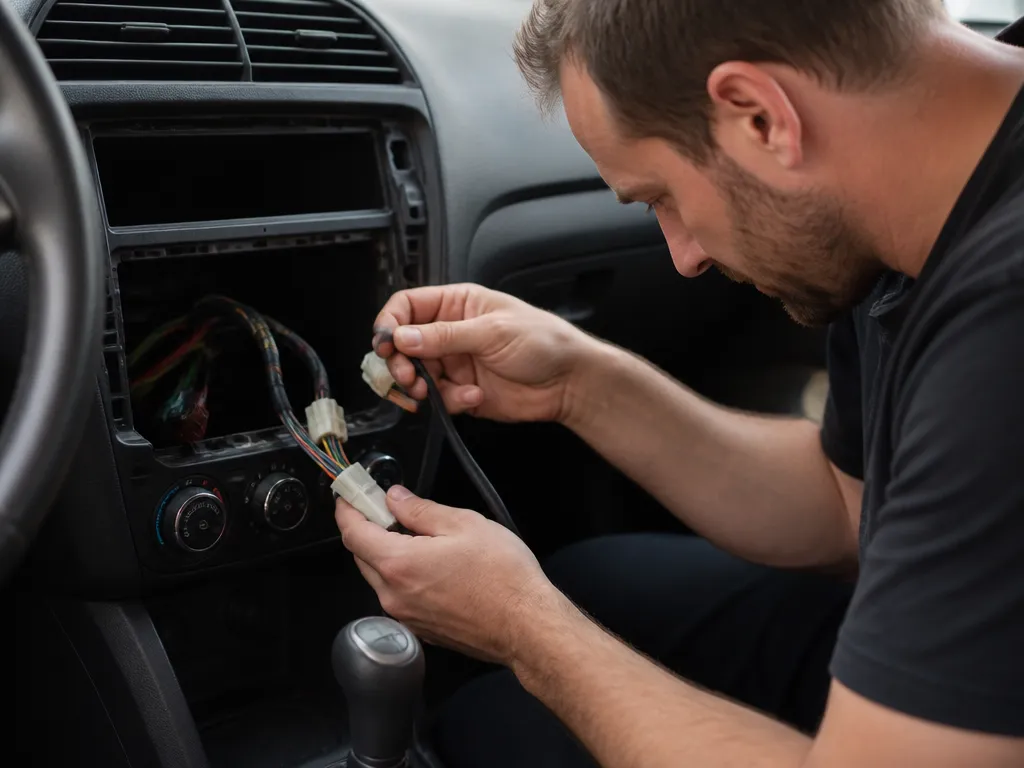
A weak ground can produce intermittent audio, static bursts, or a complete reboot. The radio’s electronics need a stable voltage reference, and a loose or corroded ground can interrupt that reference when the dash vibrates or the vehicle body flexes.
The head unit ground usually connects through the main harness or to a body ground point. Corrosion, paint between the terminal and the metal, or a loose bolt can make the connection intermittent. Oily residue can create the same kind of unreliable contact.
Clean the ground point to bare metal and tighten the bolt firmly. Inspect the ring terminal for corrosion and check the crimp. If the terminal is loose, replace it and make a solid crimp rather than simply tightening the existing hardware.
A radio with a grounding problem may lose audio for a second, recover, and repeat the cycle. If cleaning and securing the ground stops the pattern, the ground connection was the cause.
Antenna Wiring and Reception Dropouts
The antenna path primarily affects reception, but an incorrect adapter, missing factory antenna amplifier connection, or damaged coax can make the radio mute and reacquire stations repeatedly. This is more likely when the display stays on and the problem affects FM or AM but not another source.
Reseat the antenna coax and check that the cable is not pinched behind the dash trim. A partially connected coax can make the tuner hunt for a signal, especially on weaker stations. Test a strong local station, then switch to Aux, USB, or Bluetooth if those sources are available. Stable audio from another source points toward the tuner or antenna path rather than the main power supply.
Poor shielding, routing the antenna wire alongside power wiring, and low-quality adapters can introduce noise. An aftermarket radio may also need a specific antenna adapter or a connection for the vehicle’s factory antenna amplifier. If that lead was omitted during installation, reception may become intermittent even when it initially seems acceptable.
Bluetooth, CD, and Aux Settings That Cause Cycling
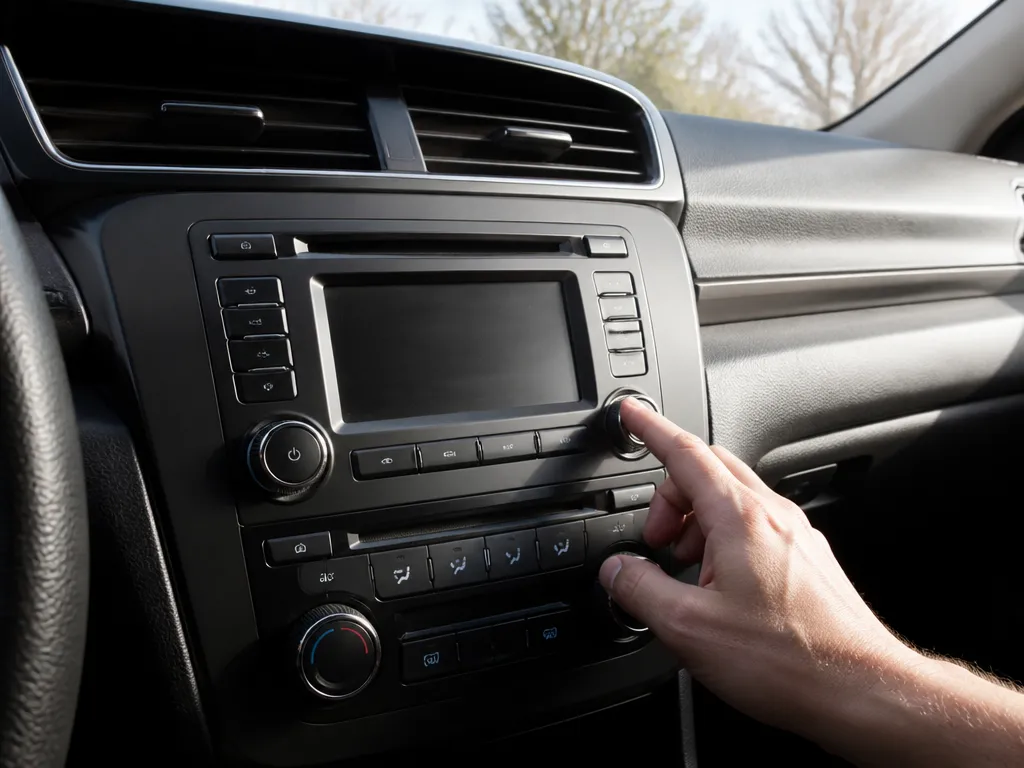
A radio that cuts out is not always losing power. Some head units switch sources when a Bluetooth device reconnects, an external device is detected, or a CD changer emulation circuit reports a change.
Disconnect Bluetooth completely and test the FM or AM tuner. Then test Aux, USB, or another wired source if available. A stable tuner with cycling Bluetooth points to pairing or source-routing behavior. If every source cuts out, return to the power, ground, and wiring checks.
CD-related cycling can occur in vehicles with OEM CD changers or head units that emulate them. The unit may switch between internal and external sources when its detection lines or sensors report inconsistent status. A display that flips between modes indicates source detection rather than weak reception.
Force the system to use one input. Turn off Bluetooth, clear previous device connections, select one source, and observe whether the repeated cutout stops. If it does, correct the settings or device compatibility instead of removing the dash.
Bench-Test the Head Unit Before Replacing It
A bench power check separates a failing radio from a vehicle-side wiring problem. If the head unit resets or shuts down on controlled power, the fault is probably inside the radio or its immediate power regulation circuit. If it stays stable, focus on the vehicle harness, ground, antenna, or input wiring.
Use a bench power supply and a basic multimeter, and identify the radio’s power and ground leads before connecting anything. Power the unit with the correct nominal voltage for the vehicle system – most automotive radios are designed for 12 V systems. Start with a conservative current limit and raise it only as needed if the unit shows a normal load.
Run the same symptom test on the bench. Play audio for several minutes and watch for the same cutout pattern. A stable radio on bench power points toward a problem with the car’s harness, ground path, or ACC supply.
If the radio reproduces the fault on stable bench power, stop changing vehicle wiring. The likely causes include a failing internal power stage, a capacitor in the internal supply, or an internal protection circuit. Repair or replacement is usually more practical than trying to locate an intermittent component-level fault without the right equipment.
A Repair Sequence That Avoids Random Parts Swapping
Work from the easiest checks to the most expensive replacement:
- Reseat the harness connectors. Unplug the radio, inspect for pushed-back pins, and firmly reseat the head unit and adapter plugs.
- Clean and tighten the grounds. Remove corrosion and paint from the contact area, then secure the terminal to bare metal.
- Reconnect the antenna coax. Confirm a fully seated connector, inspect for damaged cable, and verify the correct antenna adapter.
- Isolate the media sources. Turn off Bluetooth and test the tuner, Aux, and USB separately to identify source-related cycling.
- Bench-test the head unit. If it still cuts out on stable bench power, repair or replace the radio rather than continuing to alter the vehicle wiring.
Spend money on the weak link, not on guesses. A replacement harness connector or a proper crimp repair may solve the problem for less than the cost of a new head unit. If the bench test shows that the radio itself is unstable, better wiring will not correct the internal failure.
When an aftermarket radio develops this problem immediately after installation, suspect the adapter wiring, antenna adapter, or pinout before blaming the head unit. Use a vehicle-specific harness adapter instead of loose splices or a generic adapter that can loosen behind the dash.
When to Repair the Wiring and When to Replace the Radio
- Repair the connector first: A pushed-back pin or loose terminal is usually the cheapest fault to correct.
- Replace damaged ground hardware: A corroded ground lead or ring terminal can create symptoms that look like an electronic failure.
| Replace the head unit last: Use the bench test to justify replacement, since an unstable vehicle-side power connection can imitate a bad radio. | Step | What you check | Pass result | If it fails |
|---|---|---|---|---|
| 1 | Reseat power/adapter plugs | Radio stops cutting out | Replace damaged pins/connectors | |
| 2 | Inspect and clean ground | Cycling disappears | Replace ground lead or ring terminal | |
| 3 | Antenna coax seated, correct adapter | Tuner stops dropping | Replace coax, correct antenna wiring/amplifier | |
| 4 | Source isolation (Bluetooth vs Aux vs tuner) | Only one source cycles | Fix settings/device or source detect wiring | |
| 5 | Bench power check | Radio stays stable | Repair/replace head unit internal supply |
FAQ
what’s wrong?
If only FM drops out while the screen stays on, inspect the antenna path first. Reseat the antenna coax, check for a damaged cable behind the dash, and verify the correct factory antenna adapter if the vehicle uses one. Test Aux, USB, or Bluetooth next. If those sources play normally, the tuner or antenna connection is more likely at fault than the head unit’s main power supply.
Could a loose ground wire really cause repeated radio rebooting?
Yes. A loose or corroded ground can interrupt the radio’s voltage reference enough to trigger muting, resetting, or rapid cycling. Clean the ground point to bare metal, tighten the bolt, and inspect the ring terminal for corrosion or a poor crimp. If the radio stabilizes afterward, the ground connection was the cause.
Is it safe to bench-test a car radio at home?
It is safe when the power and ground leads are correctly identified and the supply has a current limit. Use a bench power supply, set a conservative current limit, and verify polarity with a multimeter before connecting the radio. Stop the test if the head unit draws unusual current or heats quickly.
What’s the quickest fix to try first for intermittent cutting out?
Observe whether bumps, turns, or movement near the dash trigger the problem before replacing parts or modifying the wiring.
Could Bluetooth settings cause the radio to cycle even if power is fine?
Yes. Some head units switch sources or mute when Bluetooth devices reconnect, when Bluetooth audio conflicts with another source, or when media detection changes. Turn Bluetooth off completely, then test the tuner and Aux or USB. If the cycling disappears, focus on device connections and source settings rather than the vehicle’s power wiring.

- Top 10 Best Helmet For Xtreme 125r 2026 - October 5, 2026
- Top 10 Best Helmet For Xpulse 200 2026 - October 5, 2026
- Top 10 Best Helmet For Xsr 155 2026 - October 5, 2026